July 8th, 2026
New

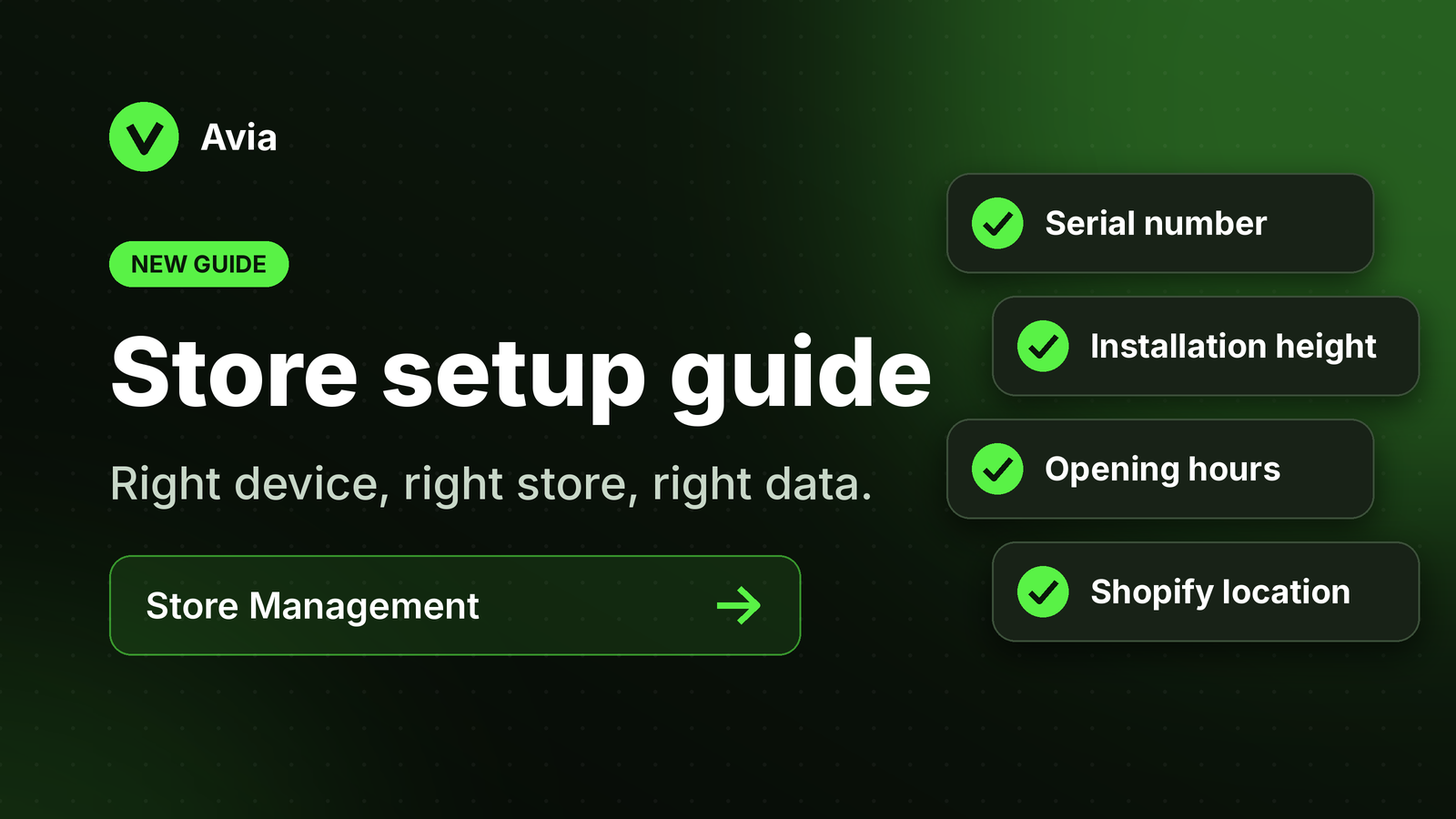
Weโve added a new guide explaining how to set up a store in Avia.
The guide explains how store locations, device serial numbers, opening hours, and Shopify connection work together to make sure data appears under the correct store.
Added a Store Management setup guide
Explained how to create or confirm a store location
Explained how device serial numbers are assigned to stores
Added guidance for configuring opening hours
Added screenshots to make the setup easier to follow
Added guidance for confirming the Shopify connection
Correct store setup is important for accurate traffic, sales, heatmap, and conversion data.
If the device serial number, store location, or opening hours are incorrect, dashboard data may appear missing or assigned to the wrong store.
Users setting up new stores, assigning devices, or reviewing data for multiple locations.
Go to Store Management and confirm that each store has the correct device serial number and opening hours.
If your store uses Shopify, also make sure the Shopify store and location are connected correctly.
Read these Help Center articles:
Setting Up a Store in Avia
Connecting Avia to Shopify
July 8th, 2026
Improved

Weโve improved the way Avia explains key dashboard metrics, including Total Traffic, Unique Visitors, Conversion Rate, and Average Session Duration.
These updates make it easier to understand what each metric means and why some numbers may be different from others.
Added clearer explanations for Total Traffic and Unique Visitors
Clarified that Total Traffic counts each visit or entry event
Clarified that Unique Visitors counts the same person once during the selected date range
Improved the explanation of Conversion Rate
Added clearer guidance for dashboard date ranges and filters
Traffic and conversion metrics are important for understanding store performance.
These improvements help users read the dashboard more confidently and reduce confusion when Total Traffic and Unique Visitors do not match.
All users reviewing Avia dashboard metrics.
Open the Avia dashboard, select the store and date range, then review the traffic and conversion metrics.
If the numbers look different from what you expected, check whether you are viewing Total Traffic or Unique Visitors.
Read these Help Center articles:
Dashboard overview
Footfall & traffic metrics explained
Conversion rate & dwell time
Using Date Ranges & Filters
July 8th, 2026
New
Weโve launched the Avia Help Center to make setup, troubleshooting, and dashboard guidance easier to access.
The Help Center brings together product guides, installation articles, dashboard explanations, store setup instructions, and troubleshooting resources in one place.
Added Getting Started guides
Added Device & Installation articles
Added Power & Connectivity guides
Added Dashboard & Analytics explanations
Added Store Management and Shopify setup articles
Added troubleshooting articles for common issues
Added guidance for PoE, LED status, heatmaps, traffic metrics, and Labor Efficiency
Customers and internal teams can now find answers faster without needing to contact support for every question.
This helps store teams understand Avia setup, device status, traffic data, heatmaps, Shopify connection, and common troubleshooting steps more clearly.
All Avia users, store teams, support teams, and sales teams.
Open the Avia Help Center and search for the topic you need.
You can use it to learn how Avia works, check setup requirements, understand dashboard metrics, and troubleshoot common issues.
Visit the Avia Help Center to explore setup guides, dashboard explanations, store management articles, and troubleshooting resources.