July 8th, 2026

New

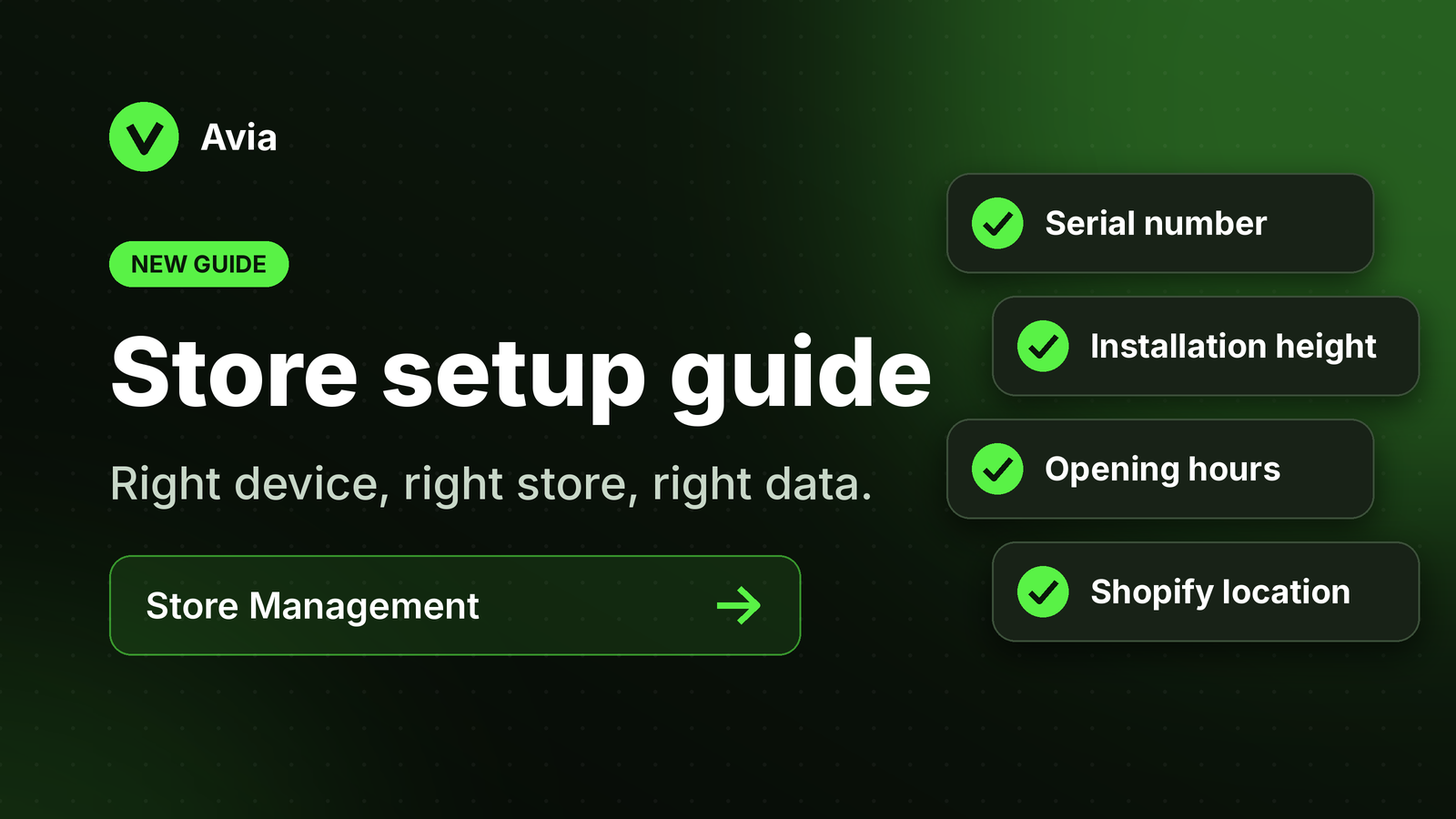
Store setup guide is now available

We’ve added a new guide explaining how to set up a store in Avia.

The guide explains how store locations, device serial numbers, opening hours, and Shopify connection work together to make sure data appears under the correct store.

What changed

  • Added a Store Management setup guide

  • Explained how to create or confirm a store location

  • Explained how device serial numbers are assigned to stores

  • Added guidance for configuring opening hours

  • Added screenshots to make the setup easier to follow

  • Added guidance for confirming the Shopify connection

Why it matters

Correct store setup is important for accurate traffic, sales, heatmap, and conversion data.

If the device serial number, store location, or opening hours are incorrect, dashboard data may appear missing or assigned to the wrong store.

Who is affected

Users setting up new stores, assigning devices, or reviewing data for multiple locations.

How to use it

Go to Store Management and confirm that each store has the correct device serial number and opening hours.

If your store uses Shopify, also make sure the Shopify store and location are connected correctly.

Learn more

Read these Help Center articles:

  • Setting Up a Store in Avia

  • Connecting Avia to Shopify