See traffic for each entrance
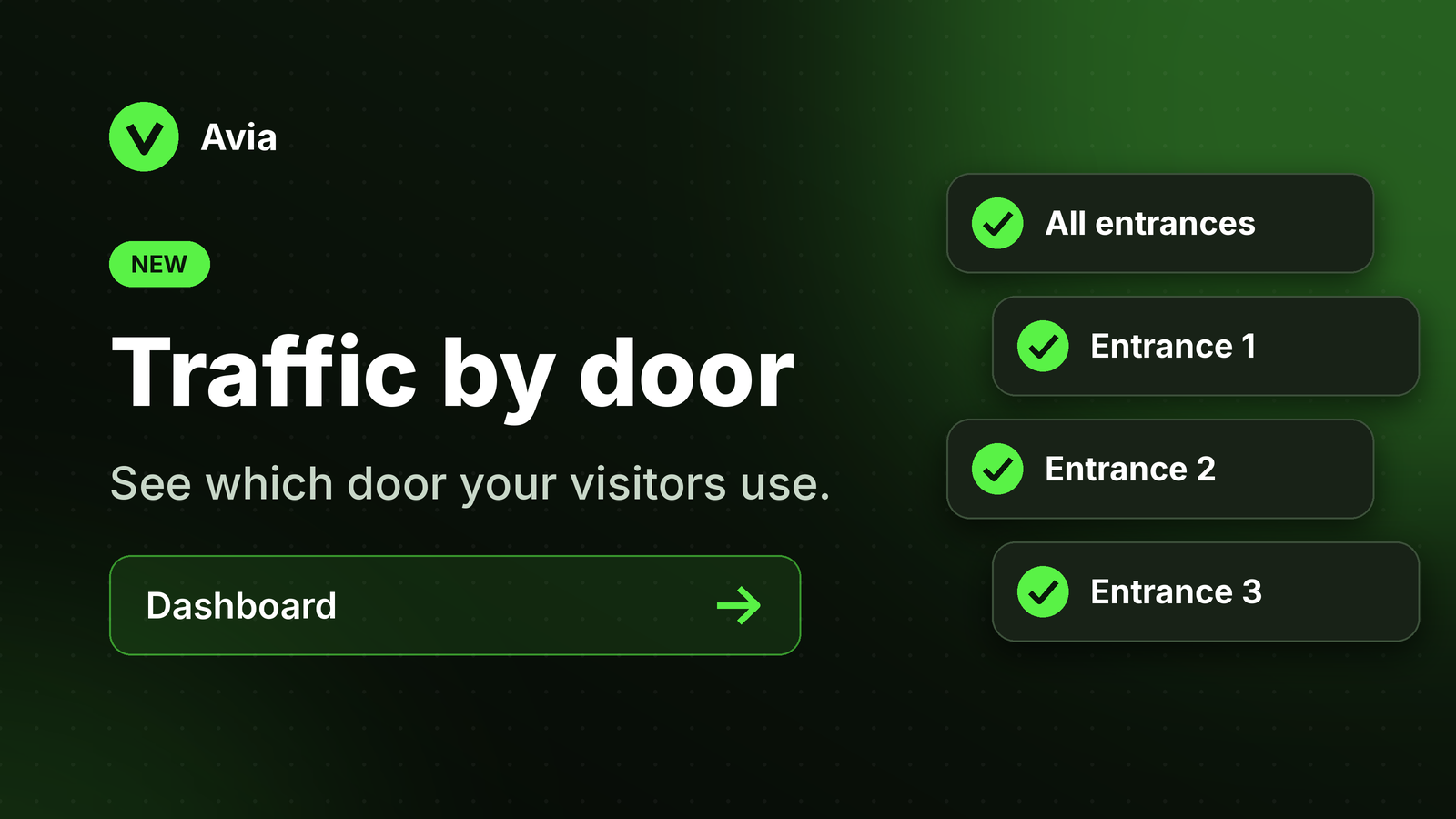
Stores with more than one entrance can now see traffic door by door.
All entrances: see your store's total traffic across every door, just like before
One entrance: select a single door to see exactly how many visitors came in through it
How it works: select a store in the dashboard, then pick an entrance from the dropdown. Entrances use the names you gave each device in Store Management.
Why it matters: knowing which doors bring in the most visitors helps you decide where to place displays, promotions and staff.